Protect Your Home: Property Inspection Checklist 2026
Protect your investment with our 2026 guide to 7 property inspection checklist resources. Find printable PDFs, mobile apps, and legal forms for landlords.

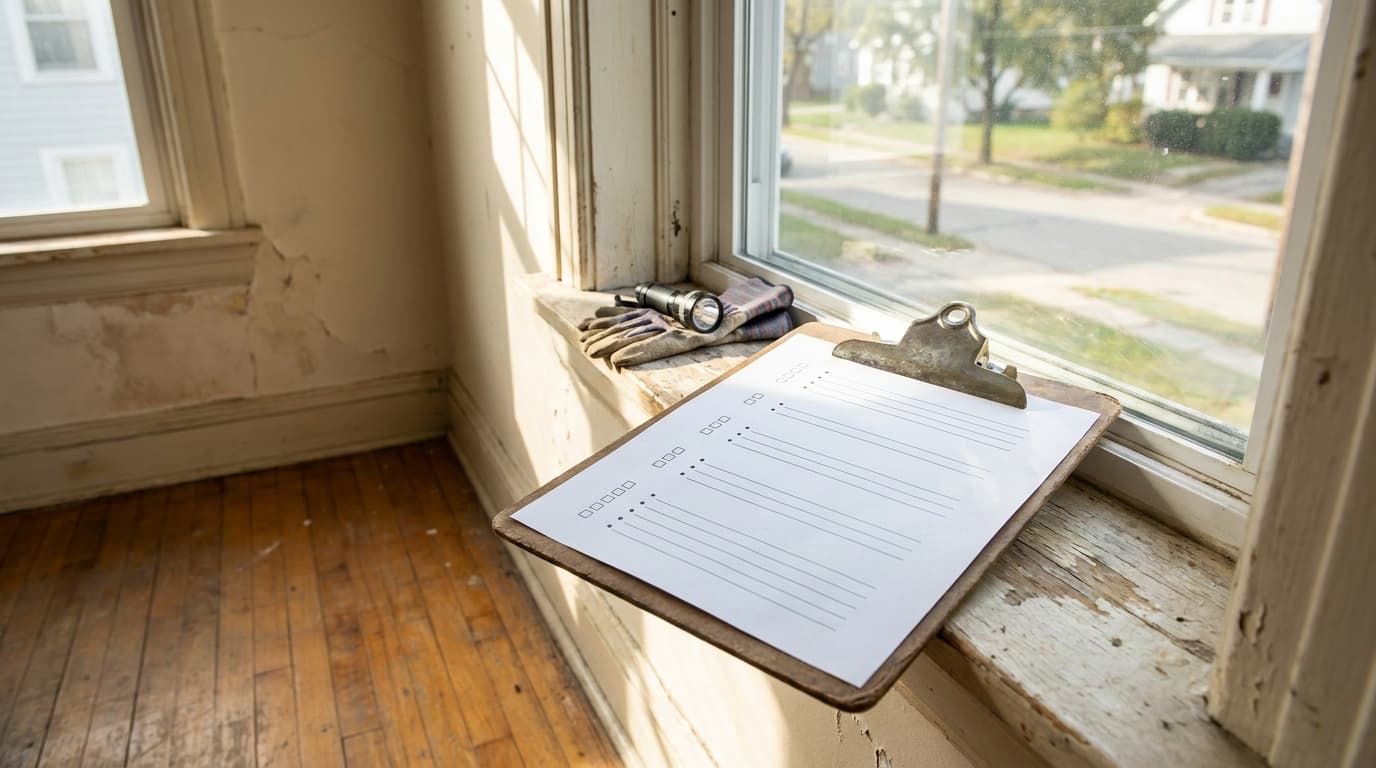
A standard single-family home inspection in the U.S. averages about $343, with most buyers paying between $296 and $424. Smaller homes under 1,000 square feet may run about $200–$250, while homes over 3,000 square feet can reach $450–$500+ depending on location, age, and condition, which is a useful reminder that a property inspection checklist is not a fixed-cost commodity. For independent landlords, that matters because pre-rent, move-in, and annual inspections all serve different operational goals, from liability reduction to maintenance planning and dispute defense. The right resource has to match the job, whether you want a federal habitability benchmark, a printable walkthrough sheet, or a mobile workflow with photo evidence.
A good checklist also works as documentation, not just a reminder list. One industry guide says a typical inspection report can run 20–100 pages depending on the property and findings, and well-designed templates include the property address and unit number, inspection date, inspector name, room-by-room condition ratings, photo evidence with timestamps, damage notes with estimated repair costs, and tenant and landlord signatures. That kind of record is what stands up when a security deposit is challenged or a repair timeline gets disputed. For landlords who manage a few units on their own, the best tool is usually the one they'll use every time, in the same way, with the same evidence trail.
Texas WDI inspection costs 2026
1. HUD Housing Quality Standards (HQS) Inspection Checklist (Form HUD‑52580/52580‑A)
The HUD HQS forms are the most serious option on this list if your priority is habitability. Public Housing Agencies use them to judge whether a unit meets minimum standards for the Housing Choice Voucher program, so the structure is built around sanitation, structural integrity, heating, electrical, smoke and CO alarms, and egress. You can use that framework as a master safety layer even if you don't rent to voucher holders.

The value here is consistency. A federal checklist forces you to look past cosmetic issues and focus on life-safety items that can create liability if ignored. It's also a strong reference point when you're building your own internal walkthrough form, because the pass/fail structure is clear and easy to adapt into a private rental process.
Practical rule: Use HUD HQS as your safety baseline, then add your own lease-condition items, cosmetic notes, and repair follow-up fields on a separate layer.
Where it works and where it doesn't
HUD's format is free and authoritative, and that matters when a tenant dispute turns into a documentation fight. The downside is that it's long, formal, and not built for digital workflows out of the box. It won't help much with minor wear, move-in punch lists, or routine turnover details unless you customize it.
For landlords with older properties, especially those managing basements, attics, and utility areas, the form's discipline is a feature. It keeps the inspection anchored to what affects occupancy and safety, not just what looks worn.
2. SafetyCulture (formerly iAuditor) Property Inspection Checklists and App
SafetyCulture is the best fit for landlords who want a mobile-first inspection workflow instead of a paper form that gets scanned later. Its checklist system supports photo capture, timestamps, offline use, and action items, which makes it much easier to create a defensible evidence trail during a walkthrough. If you're already using a maintenance system like VerticalRent's maintenance management, this kind of app-style workflow is a natural fit for organized follow-up.

The strongest advantage is speed. You can start from a template, adjust the fields, and move through a property without juggling paper, camera roll files, and notes in separate places. For landlords with a growing portfolio, the reporting format also makes it easier to compare one unit against another without reinventing the checklist every time.
Best use cases for small landlords
SafetyCulture is especially useful when the inspection has to produce a shareable record. That means move-ins, move-outs, annual inspections, and any visit where maintenance issues may need a paper trail. Photo evidence and notes in one system are a lot stronger than a clipboard and memory.
The trade-off is cost and complexity. The free tier limits active templates and features, and multiple users can push you into plans that make less sense for a solo landlord. It's powerful, but if all you need is a basic annual reminder sheet, it can be more tool than you need.
A digital form only helps if you keep the same workflow every time. If you let one inspector use photos and another use memory, your records stop comparing cleanly.
3. Avail by Realtor.com Annual Landlord Inspection Checklist
Avail is a strong middle-ground option for landlords who want a simple, printable annual inspection form without moving into a full inspection platform. The checklist focuses on interior, exterior, and safety items, so it's practical for routine property review rather than formal condition disputes. It's also free, which makes it a straightforward choice for small portfolios.

The best part is usability. A landlord can print it, walk the unit, and mark items without learning software or redesigning the form. It's the kind of resource that gets used because it removes friction, which matters more than fancy features when you're handling your own turns and routine visits.
Why it works for annual inspections
Avail works well when you want a repeatable checklist for recurring maintenance reminders. It gives you a clear structure for the kind of inspection that catches slow-developing issues before they become expensive. That's useful for owners who want a dependable annual process but don't need every field to be customized.
The limitation is evidence capture. There's no built-in photo workflow, so you'll need another system if you want timestamped images tied to the report. It also isn't designed as a move-in or move-out comparison tool, so it's better for ongoing condition review than for deposit defense.
If you want a landlord-oriented walkthrough method to pair with the form, VerticalRent's rental property inspections guidance is a practical supplement. Avail gives you the form, but your process still has to supply the consistency.
4. TurboTenant Rental Inspection Checklists
TurboTenant works well for DIY landlords who want a move-in, move-out, and routine inspection checklist without adding a heavier system to the workflow. The PDF forms are simple to print, and if you already use TurboTenant for management tasks, condition reports can stay in the property file instead of living in scattered emails and phone photos. That keeps the record in one place and lowers the risk of losing documentation later.
Its main advantage is speed. A first-time landlord can download the checklist and put it to work right away, which makes it easier to complete inspections instead of postponing them. The format is also easy to explain to tenants because it follows a familiar room-by-room, item-by-item structure. That matters during handoffs, where confusion slows everyone down and weakens the record.
Good for first-time landlords, limited for advanced documentation
TurboTenant is a practical fit when your goal is to get the basics right and keep the process repeatable. If you are building an inspection habit, the straightforward layout helps. It also works well when you want condition reports attached to a property record rather than scattered across email threads and phone photos.
The trade-off is flexibility. The PDF form is basic, so any customization takes extra effort unless you edit it yourself. It also does not give you the deeper photo workflow or more detailed reporting that higher-volume operators may want, so you may eventually need separate tools or a more manual process once your portfolio becomes more complex.
For landlords who want a companion walkthrough reference, VerticalRent's move-in inspection checklist guidance is a useful reference point. TurboTenant gives you the form, but the consistency still depends on the person using it.
5. Zillow Rental Move-In Move-Out Checklist
Zillow's checklist works well for landlords who want a short, tenant-friendly handoff form without a lot of extra setup. It is built for move-in and move-out walkthroughs, which is exactly where condition disputes tend to start. The format stays concise, so tenants are more likely to read and sign it instead of skimming past a dense packet.
The main advantage is speed and clarity. A short form is easier to finish during an active walkthrough, and fewer fields reduce the chance that the inspection turns into paperwork in the hallway. That matters for independent landlords who need a document they can use consistently without slowing down turnover.
It also has a low barrier to adoption. Zillow pairs the checklist with rental management guidance, so you are not starting from a blank page. For a landlord who wants a simple record of condition at handoff, that combination can be enough to keep inspections from getting postponed.
Where it fits in a landlord process
Use this form at lease signing, move-in, and final move-out. It is focused on condition documentation at transfer points, not on maintenance tracking or repair scheduling, which keeps the process clean when you only need a snapshot of the property's state. That focus also makes it easier for tenants to understand what they are being asked to confirm.
The trade-off is depth. It does not add state-specific language, and it does not handle digital storage or signature collection on its own. If you want the form to hold up as a real record, you still need a reliable place to store the signed copy and tie it back to the lease file.
For landlords who want a more detailed walkthrough reference, VerticalRent's move-in inspection checklist article fits this same practical approach. Zillow gives you the tenant-facing form, but the landlord still needs a file system behind it.
6. American Apartment Owners Association Move-In Move-Out Inspection Checklist
AAOA is a better fit for landlords who want a forms library with association context instead of a one-off PDF. The move-in and move-out inspection checklist sits alongside other landlord resources, so the appeal is less about one document and more about having a standardized set of materials from a recognizable landlord association. That's valuable when you want forms that feel consistent across your portfolio.
The checklist is useful for deposit disputes because it's built around symmetry between move-in and move-out recordkeeping. That symmetry matters. If you document the same rooms, same surfaces, and same fixtures both times, you're in a much stronger position when comparing preexisting wear to later damage.
Strengths and trade-offs
AAOA is appealing for owners who want more than a blank form. The broader membership resources, including state-specific landlord forms, can save time if you manage multiple units or need legal templates in one place. It's a more professionalized setup than downloading random templates from across the web.
The downside is access. Full use of the forms library typically requires membership, and some materials sit behind login walls. That means it's less frictionless than a free PDF, but the trade-off is a more centralized landlord toolkit.
For small landlords, the main question is whether you want a single form or a broader operating system for paperwork. AAOA leans toward the latter, which is useful if your inspections are part of a bigger administration process.
7. Nolo Property Inspection Checklist in Leases and Rental Agreements
Nolo is the best choice for landlords who want their property inspection checklist inside a larger legal forms package. The forms come with attorney-written guidance, which gives the checklist more context than a standalone PDF. If you're the kind of owner who wants to understand why a form is structured a certain way, Nolo is the most legally oriented option on this list.

A distinct advantage is the surrounding material. A checklist by itself tells you what to note, but Nolo's package helps frame it within leases, walkthroughs, and related landlord forms. That makes it useful for owners who don't just want a form, they want the legal backdrop that makes the form easier to defend.
The strongest checklist is the one you can explain later. If the form, the lease, and the walkthrough notes all line up, your record is much harder to challenge.
Best for legally cautious landlords
Nolo fits landlords who prefer documented reasoning over app-style speed. It's also a good match if you want sample letters and state-law notes embedded in the same package, especially when your leases and notices need to match your inspection process.
The trade-off is flexibility. It's a paid product, it's not as dynamic as a mobile app, and you may still need to customize it for local rules or your own unit types. That makes it stronger as a legal reference than as a live field tool.
For many independent landlords, that's exactly the point. Nolo isn't trying to replace your workflow, it's giving your workflow a legal spine.
Comparison of 7 Property Inspection Checklists
| Item | Implementation 🔄 | Resources ⚡ | Expected outcomes 📊 | Ideal use cases 💡 | Key advantages ⭐ |
|---|---|---|---|---|---|
| HUD Housing Quality Standards (HQS) Inspection Checklist (Form HUD‑52580/52580‑A) | High, detailed, multi‑page federal checklist; manual use | Low cost (free) but time‑intensive; PDF/manual workflow | 📊 High compliance & life‑safety assurance, ⭐⭐⭐⭐⭐ | Creating master safety checklists; HUD/Section 8 compliance | Authoritative federal standard; court/agency recognition |
| SafetyCulture (formerly iAuditor), Property Inspection Checklists and App | Medium, app setup, template customization, AI conversion | Variable, free tier limited; paid plans & mobile devices | 📊 Strong evidence capture (photos/timestamps) & scalable reports, ⭐⭐⭐⭐ | Mobile inspections, teams, evidence‑driven workflows | Fast customization, mobile‑first, AI template builder |
| Avail (by Realtor.com), Annual Landlord Inspection Checklist | Low, simple printable PDF; minimal setup | Free; no integrated app or photo capture | 📊 Good for routine/annual maintenance documentation, ⭐⭐⭐ | Small portfolios wanting simple annual checks without new software | Free, practical scope for recurring inspections |
| TurboTenant, Rental Inspection Checklists | Low–Medium, printable PDFs; optional in‑app condition reports | Free PDFs; extra value if using TurboTenant platform | 📊 Practical for move‑in/move‑out and recordkeeping, ⭐⭐⭐ | DIY landlords; first‑time landlords; users of TurboTenant | Free, straightforward checklists; property‑tied storage if on platform |
| Zillow, Rental Move‑In/Move‑Out Checklist | Low, concise lease‑attachable PDF; tenant‑friendly | Free; requires other tools for signatures/storage | 📊 Clear walkthrough documentation for handoffs, ⭐⭐⭐ | Attaching to leases; tenant walkthroughs at move‑in/move‑out | Short, easy for tenants & landlords; well‑known brand |
| American Apartment Owners Association (AAOA), Move‑In/Move‑Out Inspection Checklist | Low–Medium, standardized checklist via association portal; membership required for full access | Paid membership for full forms library and state bundles | 📊 Strong for deposit disputes and standardized records, ⭐⭐⭐⭐ | Landlords wanting association‑vetted, state‑specific forms | Centralized forms library; education and state‑specific bundles |
| Nolo, Property Inspection Checklist (part of Leases & Rental Agreements) | Medium, bundled attorney‑authored templates; one‑time purchase | Paid legal kit; may need local customization; not mobile‑centric | 📊 Good legal defensibility and contextual guidance, ⭐⭐⭐⭐ | Landlords needing legally oriented templates and explanations | Attorney‑written templates with state‑law notes and how‑to guidance |
Integrate Your Checklist into a Modern Workflow
Choosing the right checklist is only half the job. Its true worth emerges from consistent application, utilizing the same photos, the same sign-off fields, and the same storage location for every unit. A property inspection checklist becomes much more useful when it's part of a repeatable process, not a one-off form you print when there's a problem.
That's where document management matters. A centralized system lets you keep the signed inspection report, the lease, maintenance notes, and tenant communication in one place, which makes it easier to answer disputes quickly and defend deposit decisions with a clean paper trail. It also helps you compare a new inspection against the prior condition report instead of relying on memory or disconnected photos.
VerticalRent fits naturally here for landlords who want to store inspection records alongside the lease and communication history. If you already use a federal form, a printable PDF, or a mobile app, the next step is making sure the completed report doesn't disappear into email or a phone gallery. The checklist should end as a saved record, not a loose file.
Landlords who win the documentation game usually do three things well. They use the same checklist for every unit, they bring the prior report to every walkthrough, and they record what they saw in writing with photos when needed. That habit reduces confusion, shortens turnover conversations, and gives you a cleaner record if a dispute ever escalates.
If you're ready to tighten up your inspection process, choose one form that matches your workflow and start using it on your next walkthrough. Then store every completed report in VerticalRent so your inspection history stays organized, searchable, and ready when you need it.
Put this into practice
VerticalRent tools related to this guide
Legal Disclaimer
VerticalRent and its authors are not attorneys, CPAs, or licensed legal or financial advisors, and nothing on this site constitutes legal, tax, or professional advice. The information in this article is provided for general educational purposes only. Landlord-tenant laws, eviction procedures, security deposit rules, and tax regulations vary significantly by state, county, and municipality — and change frequently. Nothing on this site creates an attorney-client relationship. Always consult a licensed attorney or qualified professional in your jurisdiction before taking any action based on information you read here.
Co-founded VerticalRent in 2011, growing it from nothing to 100k landlords and renters. Sold it in 2019, then re-acquired it in 2026 to make it better than ever.


